eXperiBot Explorer Set of 4
Programming and Robotics with Four Educational Robots in Team-Based Projects
Grade level: Grade 5 and above, with advanced applications for Grades 9–13
Number of educational robots: 4
Programming: Blockly and direct programming with Python via Visual Studio Code
Use: Group and project work on programming, robotics, sensors and algorithmic thinking, from block-based coding to advanced Python projects
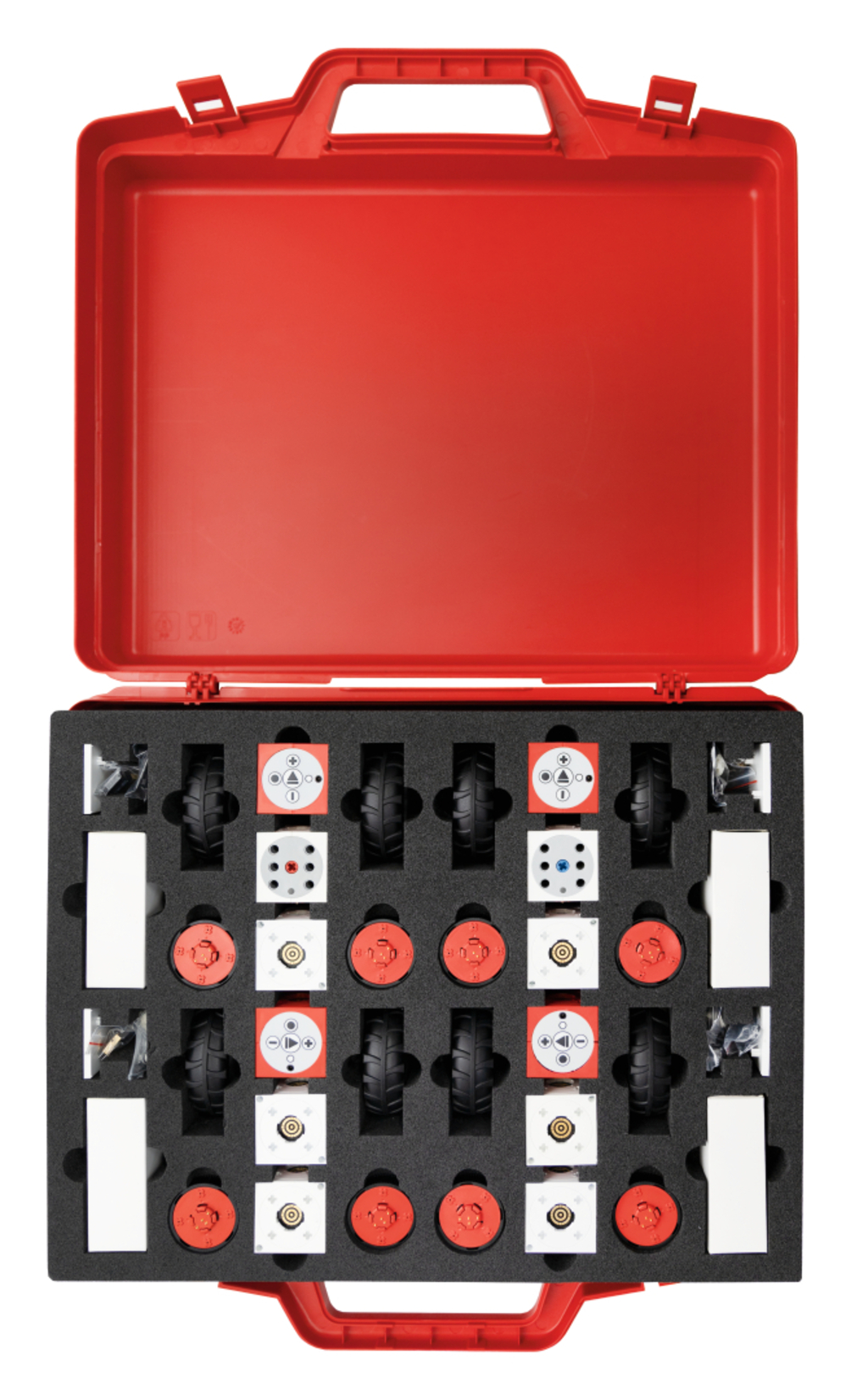
With the eXperiBot Explorer Set of 4, several student groups can work simultaneously on practical programming and robotics activities. The set includes four educational robots, making it particularly suitable for collaborative learning, group work and more extensive robotics projects. Students can start working with the robots from Grade 5.
Using the free eXperiBot Blockly App, students initially program their robots intuitively with graphical code blocks using drag and drop. Different learning levels allow activities to be adapted to students' existing knowledge. Programs can be displayed both in block view and in Python, supporting a gradual transition from graphical to text-based programming.
For advanced students in Grades 9–13, the eXperiBots can also be programmed directly in Python via Visual Studio Code. This makes the set suitable for more challenging activities in which different groups develop their own algorithms, compare solutions and refine their programs collaboratively.
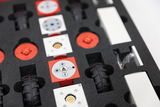
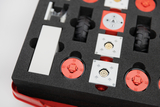
Each eXperiBot Explorer features two multisensors for light, colour, distance and gyro data. Students can use them to create different robotics scenarios, such as avoiding obstacles, following lines, recognising colours or carrying out programmed driving patterns.
The Creative Area extends the guided learning activities with inspiring project ideas and space for students to develop their own solutions. With four robots available, groups can test different approaches in parallel, create their own challenges and compare their results.
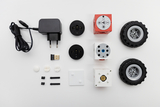
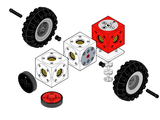
The hardware can also be expanded with the Grabber, Twister, Pivot, Single Motor, additional components and LEGO® bricks. This allows the system to be used for individual technical and creative projects beyond the introductory programming activities.
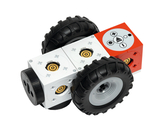
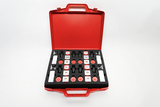
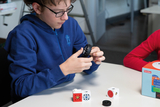
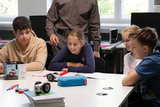


The students give their eXperiBot instructions regarding direction, speed, and duration of movement.
The students program the eXperiBot to move back and forth between two stations, pausing briefly along the way.
The students learn how to give statements to their eXperiBot so that it drives a square.
The students learn to use their eXperiBot to explore its surroundings and autonomously navigate around obstacles.
The students program the eXperiBot to follow a line.
The students program the eXperiBot to recognize colors and respond with specific actions.
The students control their eXperiBot using simple hand movements, similar to a robotic pet.
- 1 ×
- 1 × Carton for storage box, 481x425x107